Launching at TECH × HR 2027 on 26/11/2026

The smart HR platform

Records, time & attendance, payroll and talent in one system with an AI Assistant. Built for growing Vietnamese companies.

Built for Vietnamese labor law. Watch the intro video

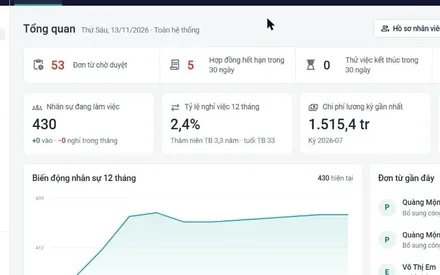
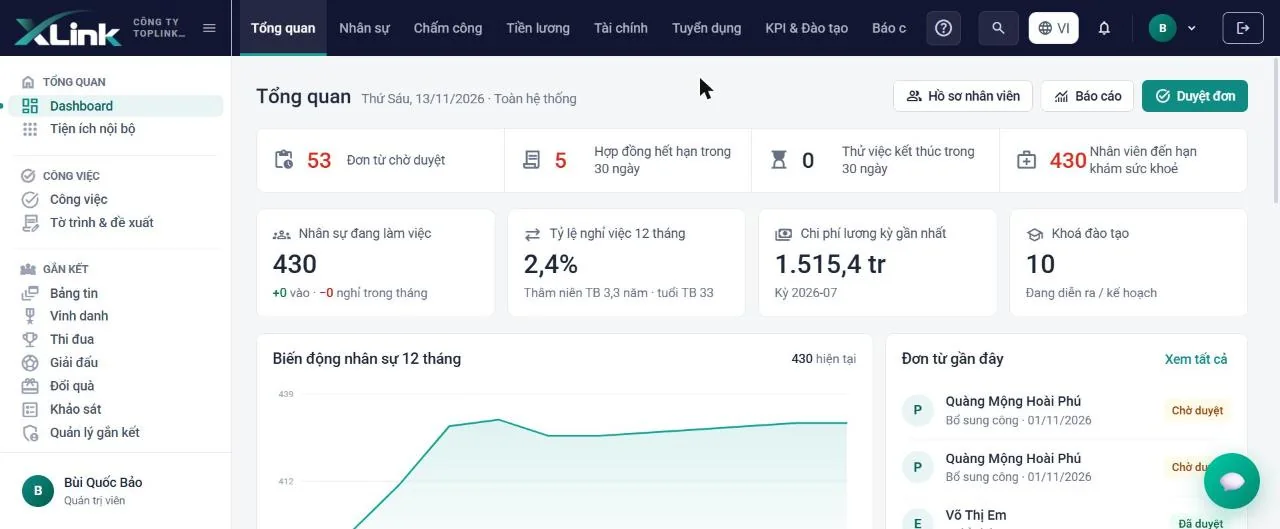
Friday, 13/11/2026

Good morning, Mai

To do

53
  • PQuàng Mộng Hoài Phú requests a timesheet correction for 01/11Pending
  • EVõ Thị Em requests annual leave 20–21/11Pending
  • DHoàng Văn Dũng requests 3 hours of overtimePending
  • HLê Hải Minh Hồng's contract expires in 8 daysRenew

Active employees

430

12-month turnover: 2.4%

Interviews today

  • 09:30Trần Minh KhoaSales rep
  • 14:00Phạm Thu HàGeneral accountant
  • 16:00Đỗ Quang HuyTechnician

Latest payroll cost

1,515.4 M

Period 07/2026, locked

Birthdays this week

  • HTrương Năng Huấn12/11
  • LÂu Ái Thu Lệ14/11

Illustrative interface with sample data.

  • 1,200+ employees70% faster time & attendance
  • 85 storesMonthly shift scheduling in 1 day
  • 640+ employeesGPS at 12 warehouses
  • 2,300+ employeesPayroll done in 1 day
  • 410+ employees100% e-contracts

Sample data

Platform overview

Designed around how HR teams actually work

  • Connected HR data

    One record for every module. Nobody enters data twice.

  • AI Assistant

    Ask in Vietnamese and get answers from real data, within your permissions.

  • Reports & analytics

    Report library, Excel export, filings for government agencies.

  • Automated approval flows

    Requests, contracts and decisions go to the right approver.

Core HR

The foundation for every HR process

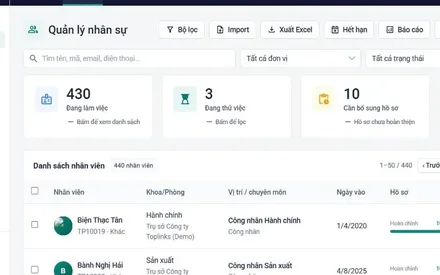
  • Employee records and e-contracts
  • Decisions, transfers, appointments
  • Social insurance and C12 reconciliation
  • GPS clock-in with photo
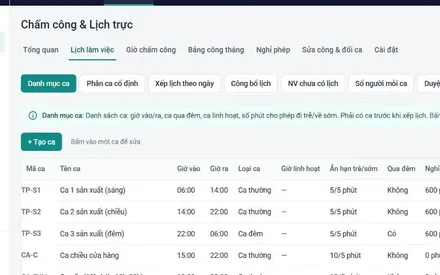
  • Shift scheduling and work calendars
  • Requests and approval flows
  • Org chart and headcount planning
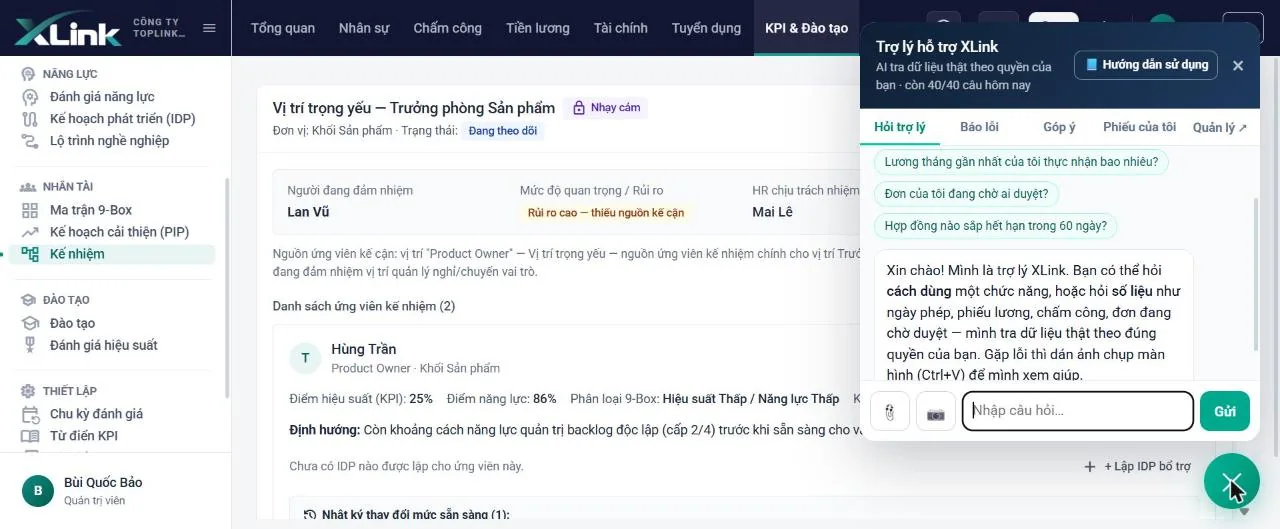
  • AI Assistant
Explore Core HR

Payroll and costs

Calculated right, paid on time

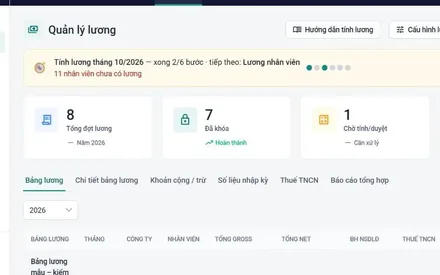
  • Payroll sheets in your own format
  • Insurance and PIT by the law
  • Bank transfer files
  • Salary advances and holds
  • Payslips on mobile
  • Internal receipts and payments
  • HR cost reports
Explore Payroll

People development

Hire, keep and grow talent

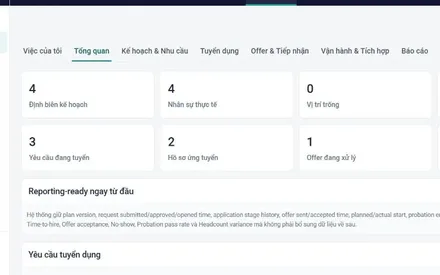
  • Recruitment and CV Inbox
  • Goals and KPI
  • Performance reviews
  • Training and learning paths
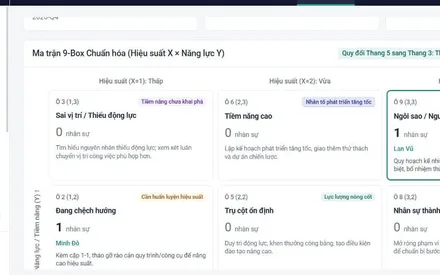
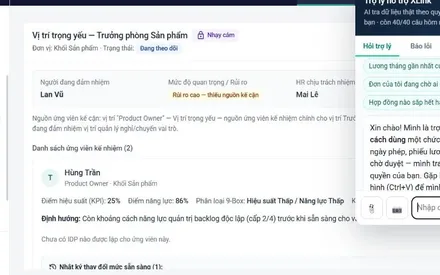
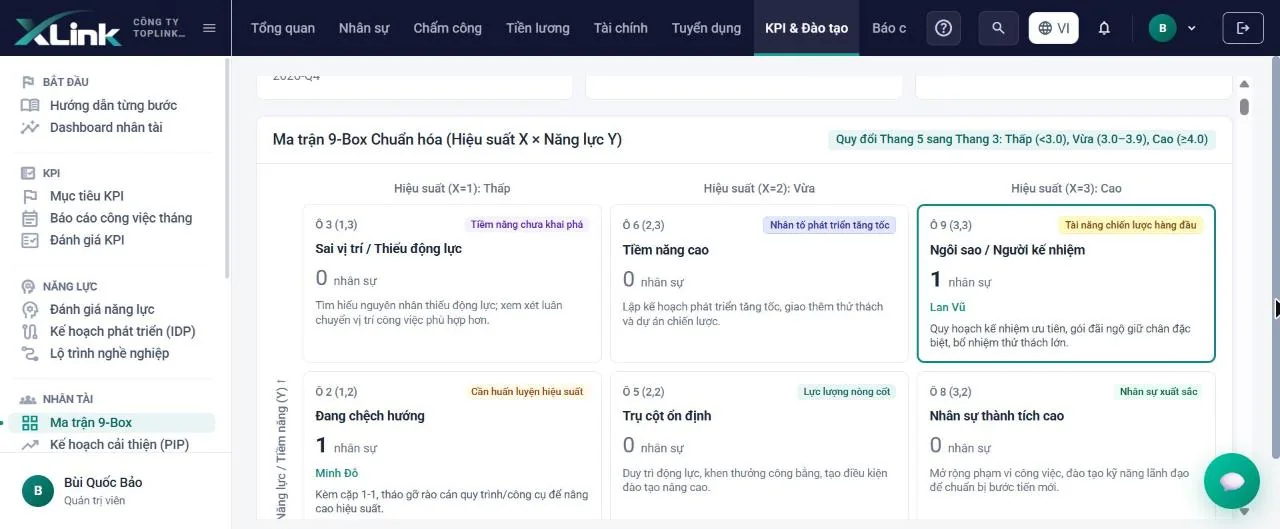
  • Competency and 9-Box
  • Succession and IDP
  • Engagement, recognition, eNPS
Explore talent

Every module connected
on one set of data

See every feature in a demo
  • Overview
  • Employee records
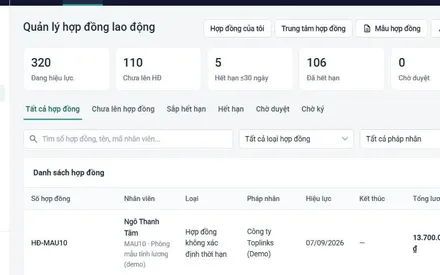
  • Employment contracts
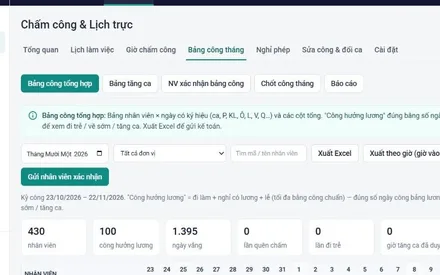
  • Timesheets
  • Shift scheduling
  • Payroll
  • Overview
  • Employee records
  • Employment contracts
  • Timesheets
  • Shift scheduling
  • Payroll
  • Recruitment
  • 9-Box matrix
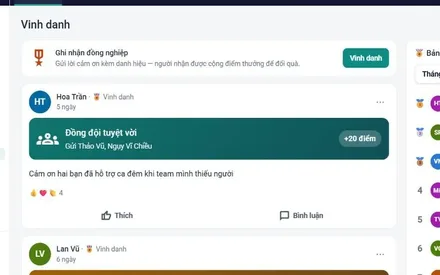
  • Recognition
  • AI Assistant
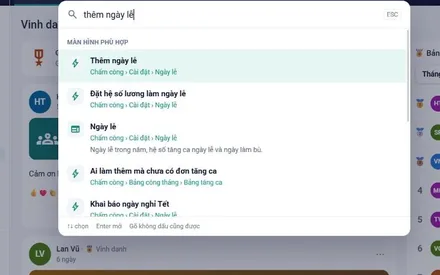
  • Quick search Ctrl K
  • Recruitment
  • 9-Box matrix
  • Recognition
  • AI Assistant
  • Quick search Ctrl K

Connecting HR, managers and employees

One leave request, four automatic steps

No email, no group chats, no one re-entering data.

See the approval flow in a demo
  • Step 1, 08:02

    Employee submits a request on their phone

    Lan picks her days off. Before she submits, the app shows her remaining leave and who will approve it.

    Employee
    Leave requestLeave typeAnnual leaveDates20 – 21/11Leave balance8.5 daysApproverHà, store managerSubmit leave request
  • Step 2, 08:15

    Manager approves as soon as notified

    The store manager checks that day's shift schedule, sees it's fully staffed and taps Approve.

    Manager
    L

    Nguyễn Thị Lan requests annual leave 20 – 21/11

    Morning shift 20/115/6 staff
    DeclineApprove
  • Step 3, 08:15

    Timesheet updates itself

    The days off go on the timesheet as P and the leave balance is deducted automatically. No manual edits.

    Automatic
    November timesheet
    181920212223XXPPXX
    Annual leave remaining: 6.5 days
  • Step 4, month end

    Payroll is right, with no re-entry

    Accounting clicks Run payroll, and the leave days are already counted as paid days.

    Accounting
    November payslipDays worked24Paid leave2Paid days26Net pay9,850,000 VND

Talent & leadership

Not just for HR. For leaders who grow their teams.

Have goals reached every employee? Who is truly performing? If a manager leaves, who steps in? XLink answers with data.

2026 goals

On track
Company-wide revenueVND 120B as of end of October
78%
Sales divisionVND 64B
81%
Manufacturing divisionVND 41B
74%
Online channelVND 15B
92%
KTrần Minh Khoa4 KPIs, 100% weight96%

Built for Vietnamese law

Compliant with Vietnamese labor law from day one

Legal parameters come built in, and data access is permissioned down to each unit.

See compliance in a demo
  • Regional minimum wage built in
  • Social insurance C12 reconciliation
  • PIT return 05/KK-TNCN
  • Permissions by unitEveryone sees only their own unit's data
  • Multi-level approvalRequests and contracts reach the right approver
  • Change historyTimesheet edits and readiness changes are all logged
  • Attendance fraud preventionGPS, photo and device approval
  • Sensitive dataPay and succession visible only to authorized people

AI Assistant & reports

Instant answers.
More confident decisions.

Ask in Vietnamese and XLink Assistant builds tables and charts from real data, limited to what the person asking has access to.

See XLink Assistant in action
Try it
XLink Assistant

Pick a question to try XLink Assistant…

  • Real-time figuresFrom headcount to leave balances
  • Connected to every moduleRecords, timesheets, payroll, KPIs in one place
  • Employee self-serviceAsk in the app, no need to message HR
  • Excel reportsTables and charts, ready to send
  • Respects access permissionsEveryone sees only their own scope
XLink specialist, 30 minutes

Book a private demo

50 seconds

Watch the XLink intro video

Watch video

Explore XLink

See XLink in action
in under a minute

Book a live demo
  • One platform for every HR process, from records to payroll

    0:50
  • Every screen has a caption explaining what it's for. Every task has a Ctrl + K shortcut. New users don't need to remember where things are in the menu.

    XXLink design principlesBased on the user guide
  • 3

    interface languages: Vietnamese, English and Khmer for companies with regional branches

  • Tools for leaders: goals, competencies and succession

    0:35
  • Sample data

    “At month-end our HR team used to spend almost a week collecting timesheets from 12 stores. Now employees clock in on their phones and payroll is ready the same day.”

    HNguyễn Thu HàHR Manager, Vạn Lộc Foods
  • 0

    apps to download from a store. Employees open it in a browser and add it to their home screen

  • AI Assistant, plus HR, managers and employees connected on one platform

    0:40

Pricing

Pricing that fits
your company

  • One plan for the whole systemNo need to stitch together several tools
  • Built around your structureSet up for your legal entities and units
  • Dedicated implementation teamWith you from kickoff to go-live
  • Support inside the systemAI Assistant and support tickets

Core

For companies under 100 employees that need to digitize records, time & attendance and requests.

Includes

  • Digital records and contracts
  • Org chart, headcount planning
  • GPS clock-in with photo
  • Shift scheduling and work calendars
  • Requests and approval workflows
  • Employee mobile app
  • AI Assistant for data lookups
Get a quote

Standard

Most popular

For multi-branch companies that want payroll, insurance and tax in one system.

Everything in Core, plus

  • Custom payroll sheet templates
  • Statutory social insurance and PIT
  • Social insurance C12 reconciliation
  • Bank transfer files
  • Salary advances and withholding
  • Payslips on mobile
  • HR cost reports
Get a quote

Complete

For large companies that need recruitment, performance reviews and talent development.

Everything in Standard, plus

  • Recruitment and CV Inbox
  • Goals and KPIs
  • Performance reviews
  • Training and learning paths
  • Competencies and 9-Box
  • Succession and IDP
  • Engagement, recognition, eNPS
Get a quote
Compare all plans in your demo

Sample data Illustrative plan split based on existing modules. Plan names and contents need your confirmation.

Implementation

Move to XLink smoothly,
from day one

From kickoff to go-live, our implementation team works alongside you.

  1. Step 1

    Set up the foundation

    • Add legal entities, departments, job titles and contract types
    • Import employees with the Excel template
    • The system flags the exact rows with errors so you can fix them before import
  2. Step 2

    Configure operations

    • Add GPS clock-in locations and public holidays
    • Create shifts, then schedule and publish the full month
    • Access permissions and approval flows for each manager
  3. Step 3

    Go live

    • Create app accounts for all employees
    • Run time & attendance and the first month's payroll on XLink
    • Ask the Assistant or open a support ticket when needed

Step-by-step guides built into the system

Explore XLink.
See how XLink works.

XLink specialist, 30 minutes

Book a demo
on your own data

  1. Share your goals and current challenges
  2. XLink prepares a demo for your industry
  3. See the modules you need and ask questions live
Takes 50 seconds

Watch the intro video

  1. Platform overview
  2. Tools for leaders
  3. AI Assistant
Watch video

Book an XLink demo

The XLink team will contact you within one business day to schedule a 30-minute demo.

What would you like to see in the demo? (choose one or more)